
Upload Image *
Avatar details *
Create a custom AI avatar from your photo. Start with a prompt example or describe your own look, then generate and download the result.
Avatar details *
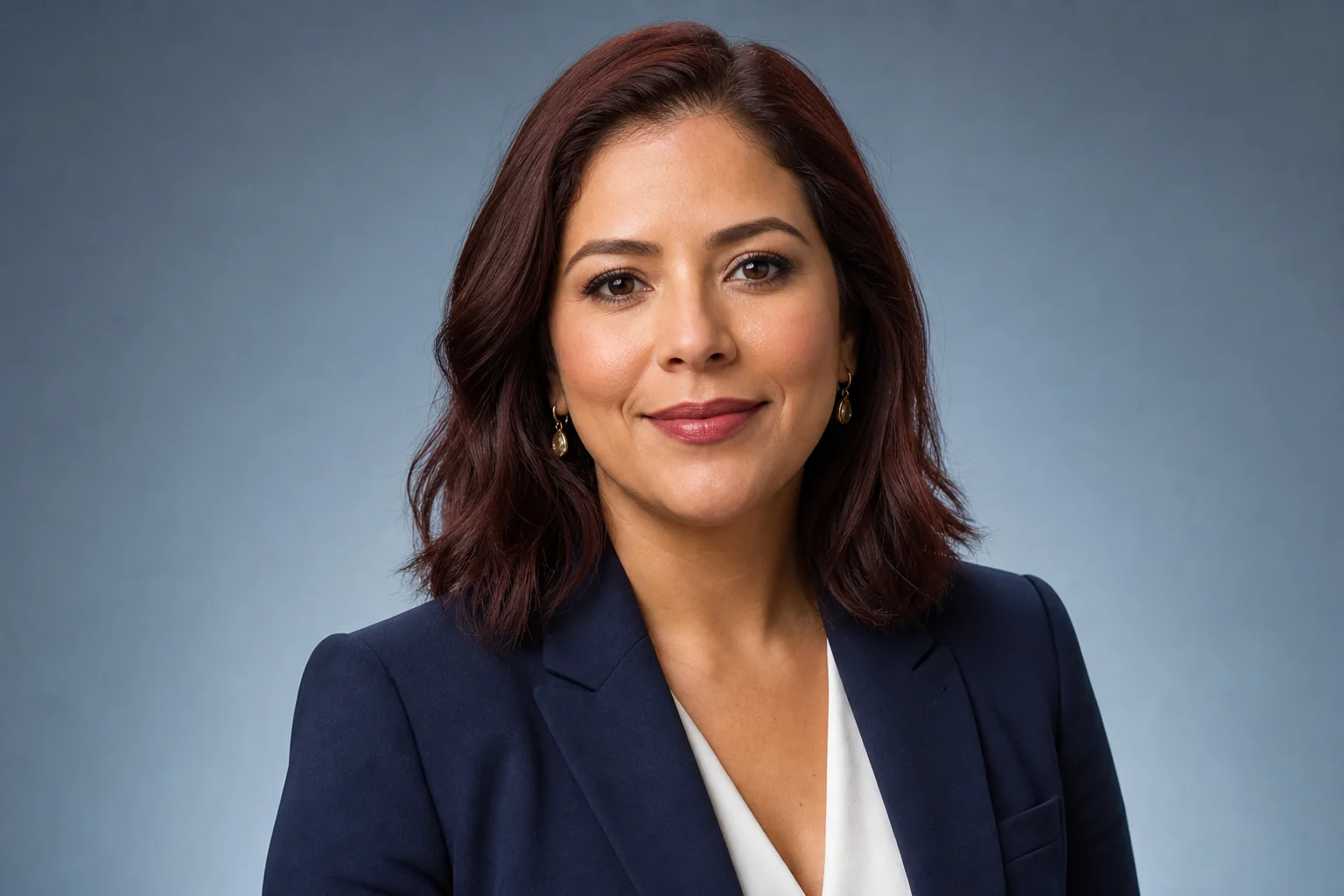
Prompt
Use the uploaded portrait as reference and create a polished professional headshot with a navy blazer, soft even studio lighting, a cool blue background, natural skin texture, and a calm expression.
Upload a clear portrait, describe the expression and setting, choose an art style, then select the size and resolution before generating.
Add the portrait you want to turn into an avatar.
Add the expression, outfit, setting, or other details you want the generated avatar to include.
Choose a look that fits your avatar, from realistic portraits to illustrated and graphic styles.
Select the image size and resolution you need, then generate your avatar.
See how cartoon, cyberpunk, and painterly styles change an avatar’s lighting, colors, and background.
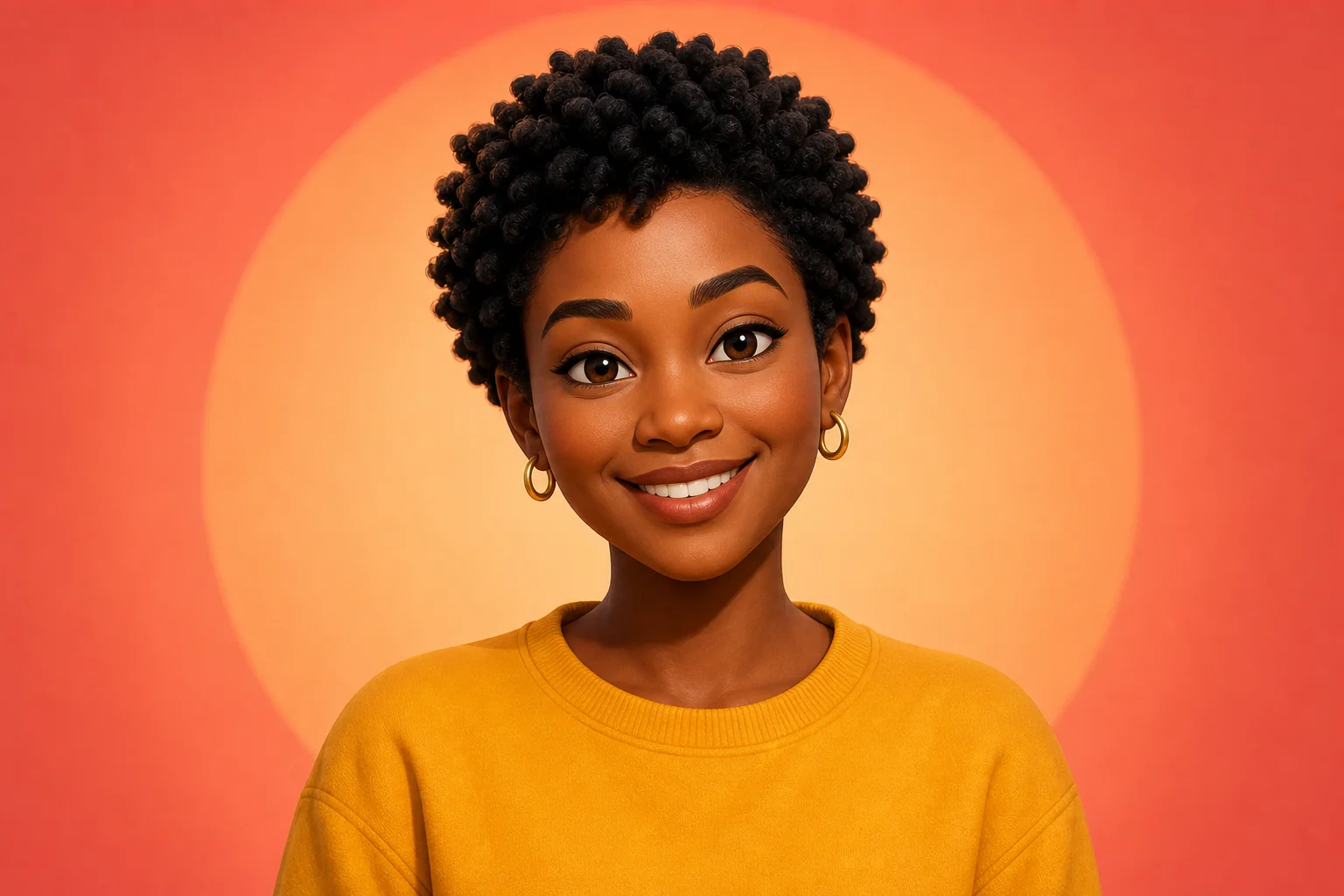
Warm colors, simplified features, and a clean centered composition create an approachable avatar for social profiles and community accounts.
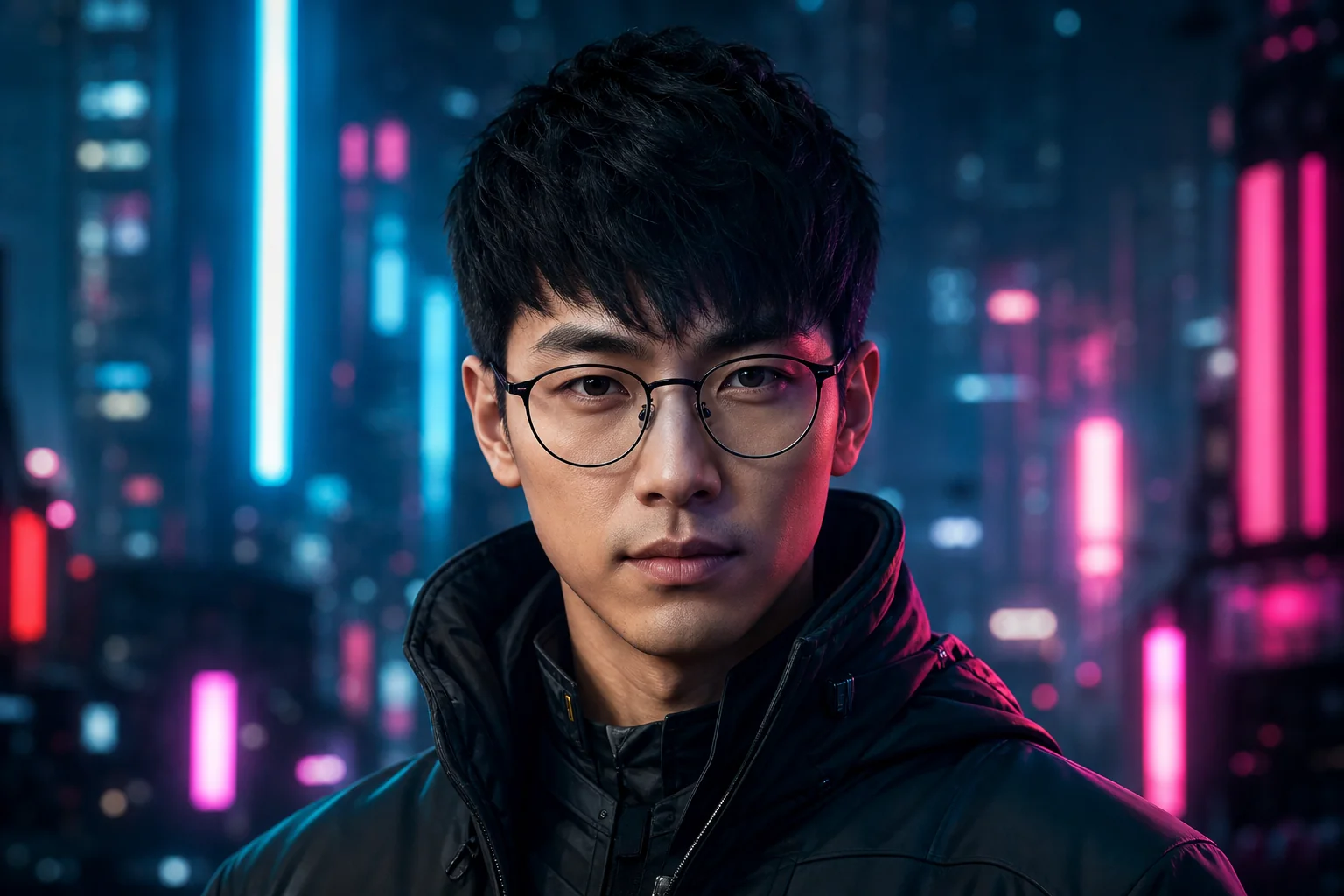
Neon lighting, a dark city background, and sharper contrast create a futuristic avatar for gaming, streaming, and creator profiles.
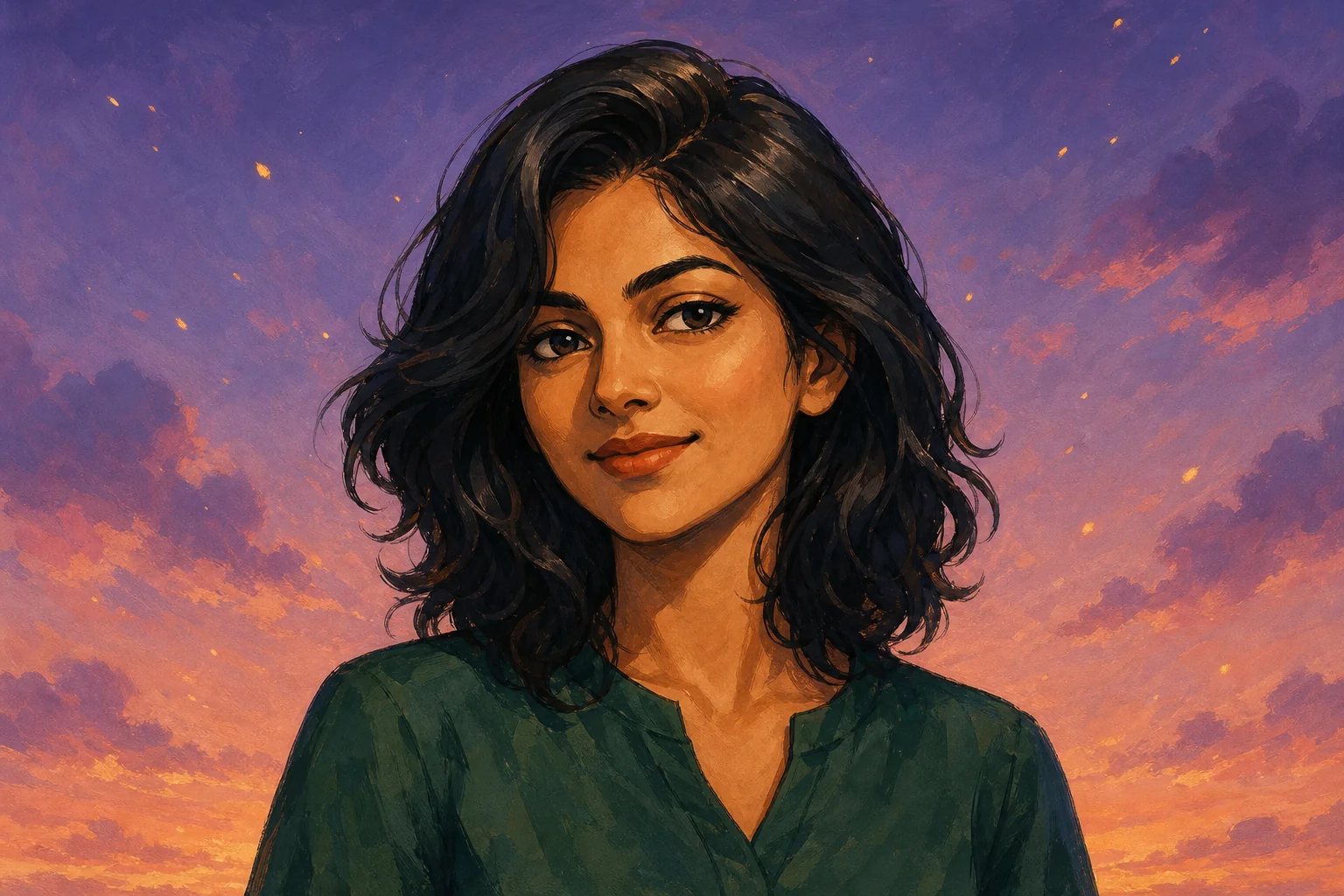
Visible brush texture, expressive color, and soft scenic lighting create a more artistic avatar for personal brands and creative profiles.
A well-framed portrait helps the avatar capture the details that matter. Check the face, lighting, and background before you start.
Choose a photo where the person faces the camera or turns slightly to the side, without sunglasses, hands, or hair covering the face.
Avoid bright light behind the person or deep shadows across the face so the eyes, skin tone, and hair are clear.
If your portrait is dark, blurry, or pixelated, improve it with Image Enhancer before generating your avatar.
Use AI Image Editor to remove clutter that could compete with the face or influence the generated background.
Try it now
Return to the generator and start with your portrait.
Answers about group photos, keeping the person recognizable, changing styles, writing prompts, and choosing the right generator.
Each generation may interpret facial features differently. Review the face shape, skin tone, eyes, and hair before downloading the result.
Use a photo with one person whenever possible. If you only have a group photo, crop it to the person you want before uploading.
Yes. Keep the same prompt and choose another Style option to explore a different overall look.
No. The uploaded portrait provides the person’s appearance. Use the prompt only for what you want to change or add.
Use the selfie generator for a casual, camera-like portrait. Use AI Avatar Generator when you want a defined visual style for a profile, channel, or personal brand.
Use Text to Image when you want a brand-new avatar concept without matching a real person. Use this page when you want the avatar to follow an uploaded portrait.
Related paths
Explore another image step, check model options, or make the output move.
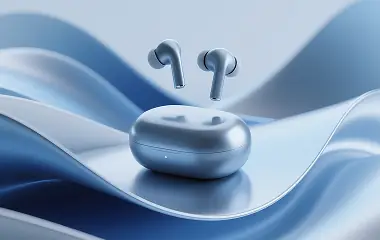
AI image tools
More image tools
Create, edit, clean up, or upscale stills.
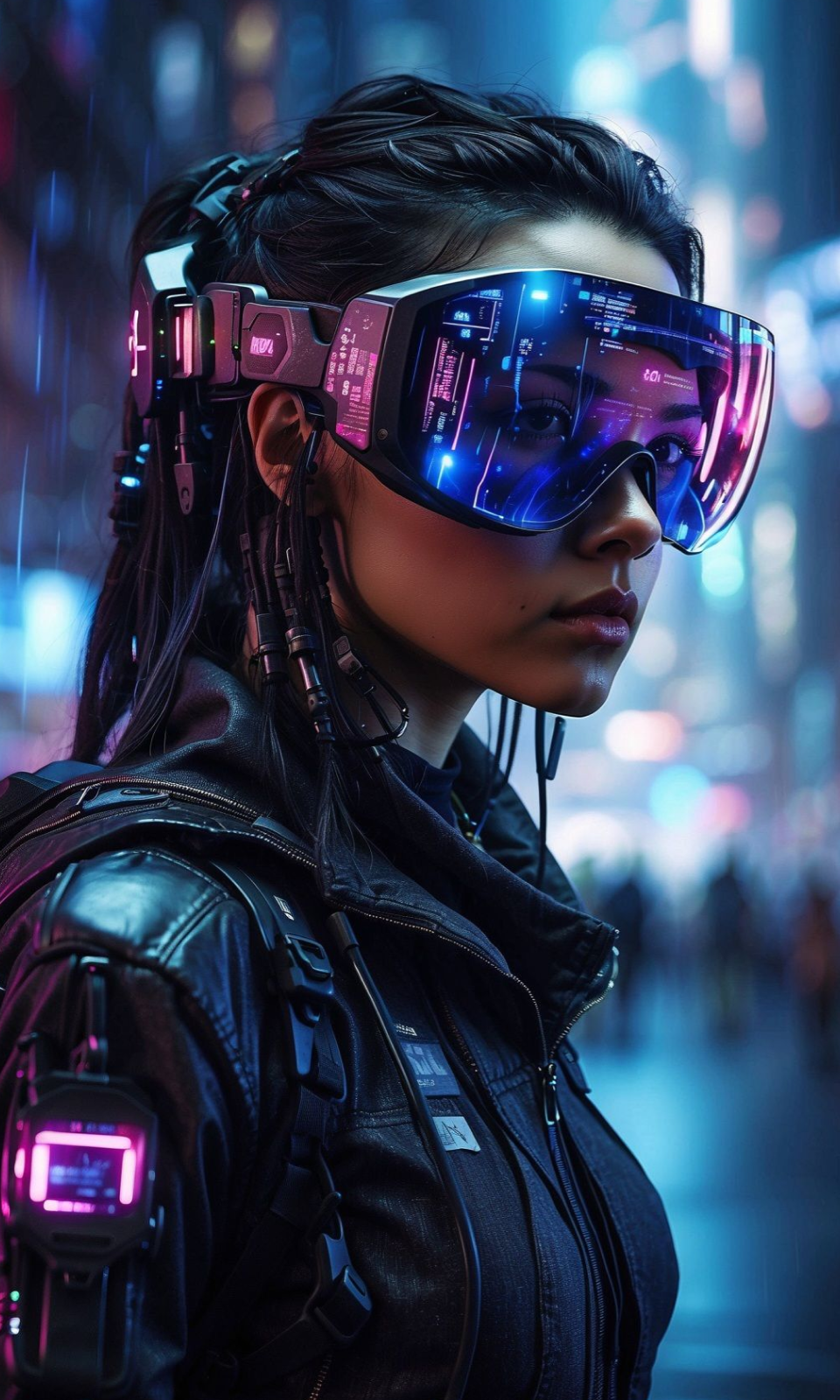
AI models
Compare image models
Pick a better model before making more versions.
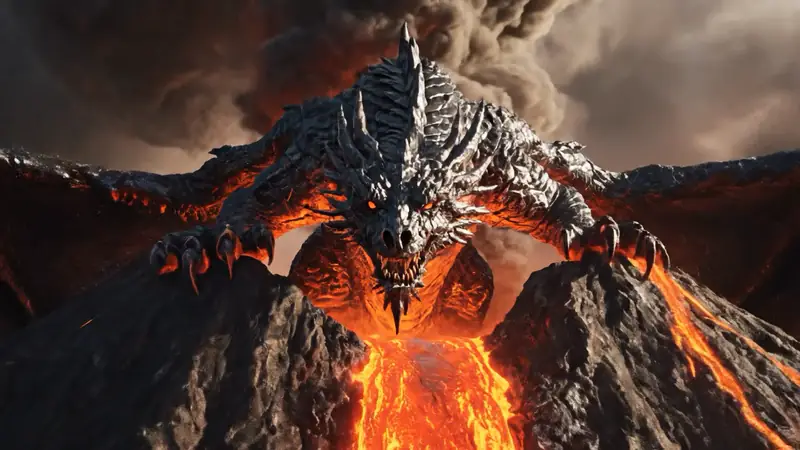
AI video tools
Make it move
Animate a still or turn it into a clip.
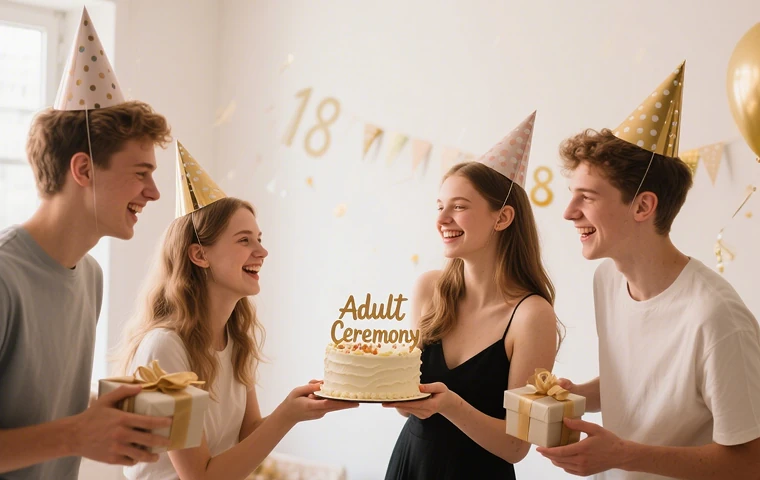
Birthday Photo Generator
Birthday portraits
Turn a portrait into a birthday photo.
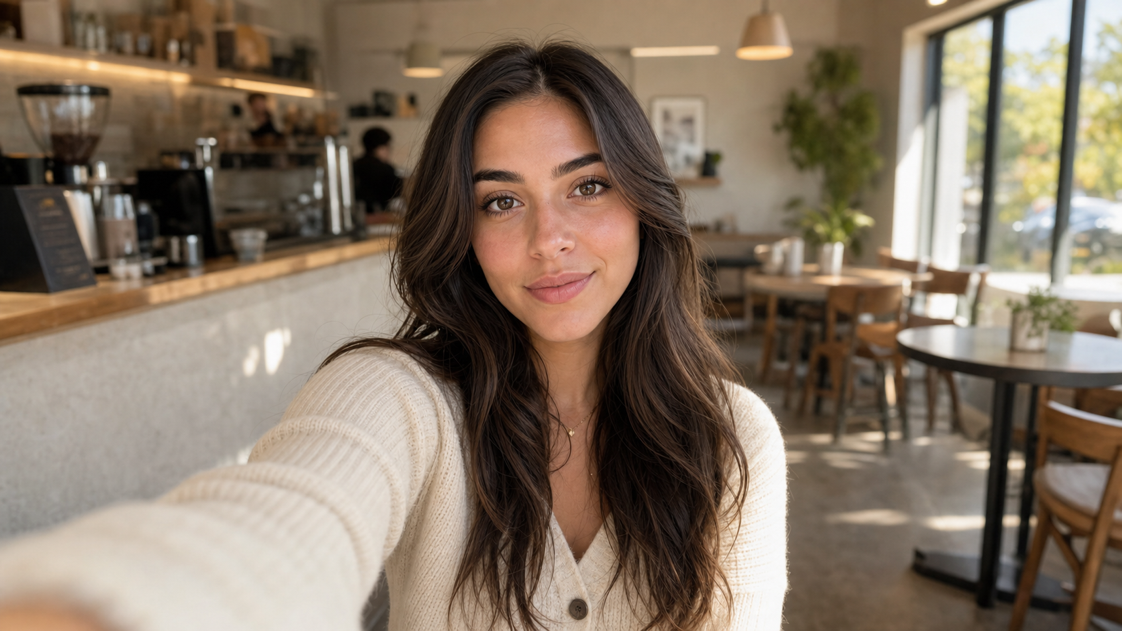
AI Selfie Generator
Portrait polish
Turn a portrait into a profile-ready selfie.
Headshot Crop
Tighter framing
Crop portraits for cleaner profile photos and bios.
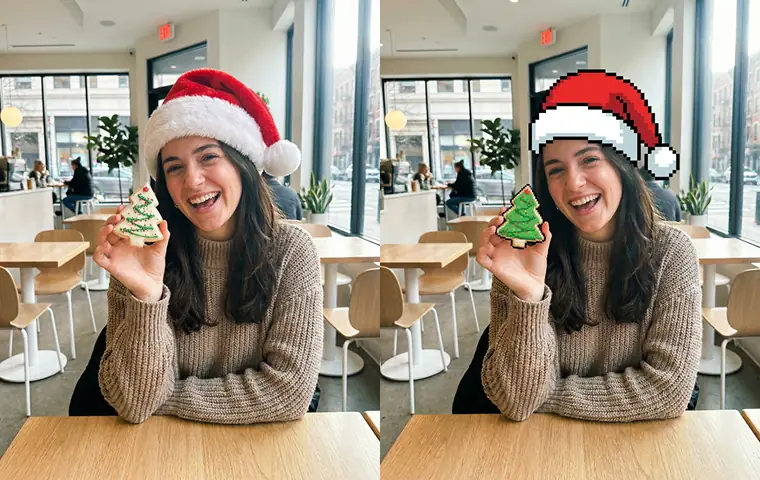
AI Image Generator
Start from any idea
Create a fresh image from a prompt.
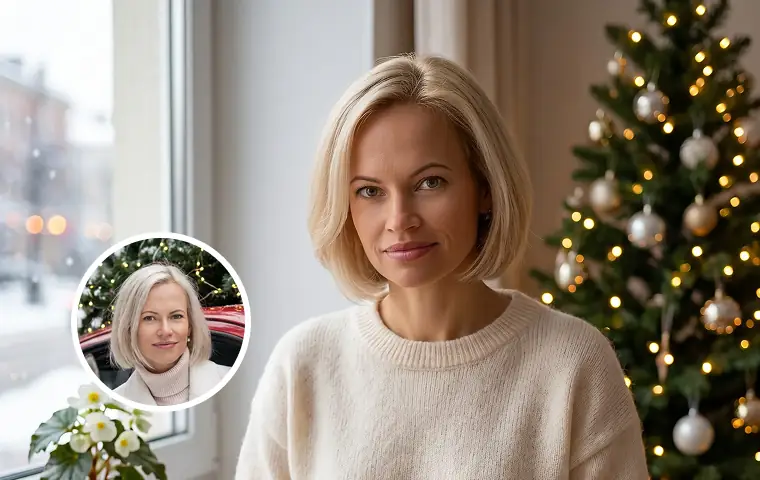
Image to Image
Use a reference
Restyle or revise an existing image.
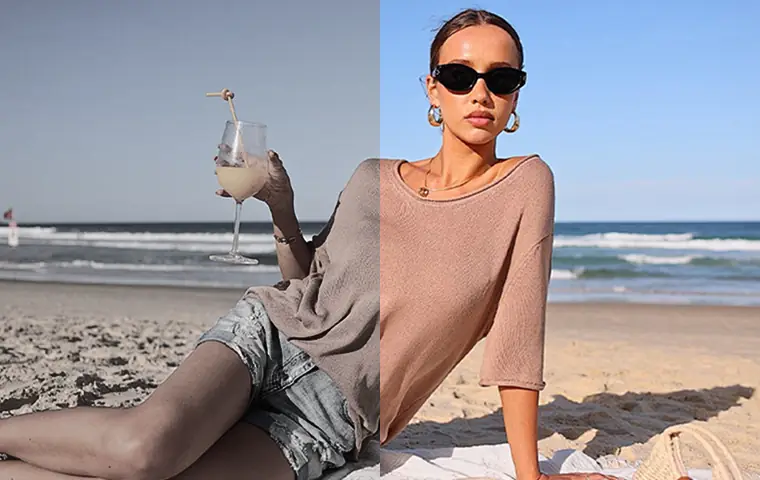
Image Enhancer
Improve quality
Recover detail, color, and clarity.
AI image tools
More image tools
Create, edit, clean up, or upscale stills.
AI models
Compare image models
Pick a better model before making more versions.
AI video tools
Make it move
Animate a still or turn it into a clip.
Birthday Photo Generator
Birthday portraits
Turn a portrait into a birthday photo.