
Choose a style (optional)
Describe the album cover *
Describe your release, visual mood, colors, and subject. Generate a square album cover concept from text—no reference image needed.
Choose a style (optional)
Describe the album cover *
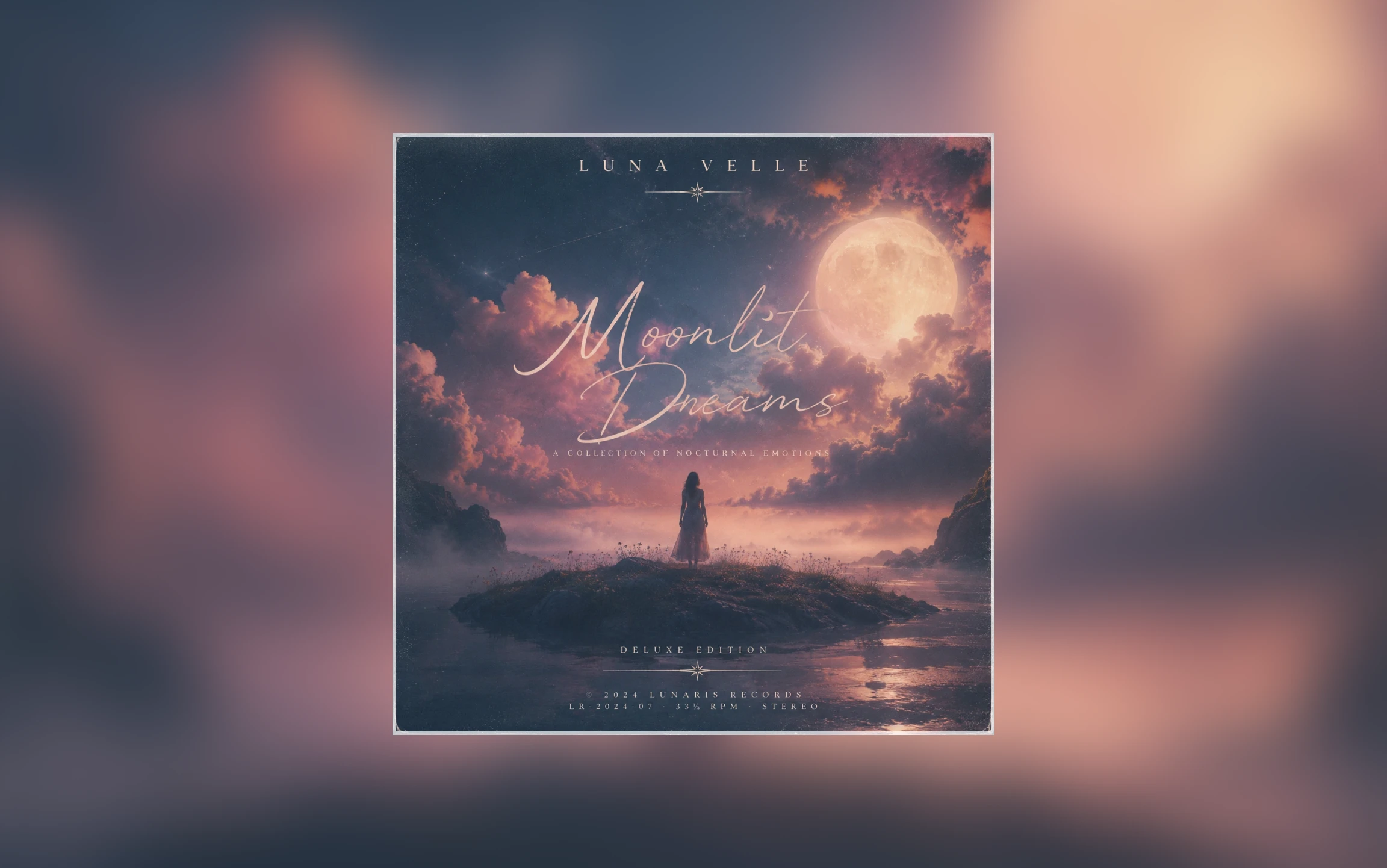
Go from a release idea to a downloadable square cover in four steps.
Name the format—single, EP, album, or playlist—and describe the mood you want the cover to convey.
Describe the main subject, setting, colors, lighting, and texture.
Select a style such as Pop, Jazz, or Synthwave, or leave it unselected when your prompt already defines the look.
Select Generate Cover Art. If the result misses the direction, adjust the prompt or style and generate another version before downloading your cover.
See how color, lighting, composition, and subject choice can support three distinct release identities.
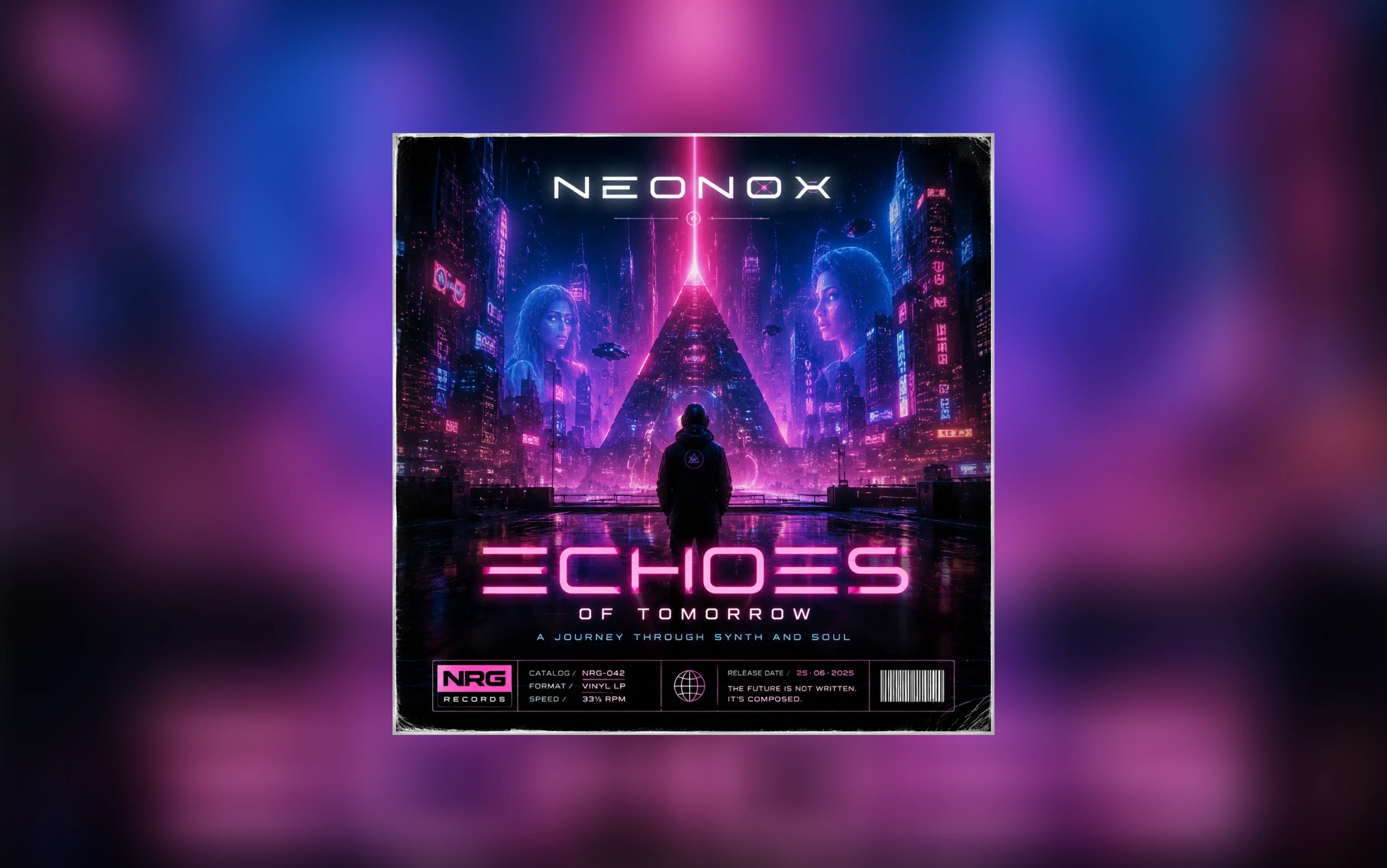
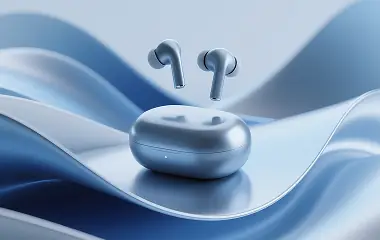
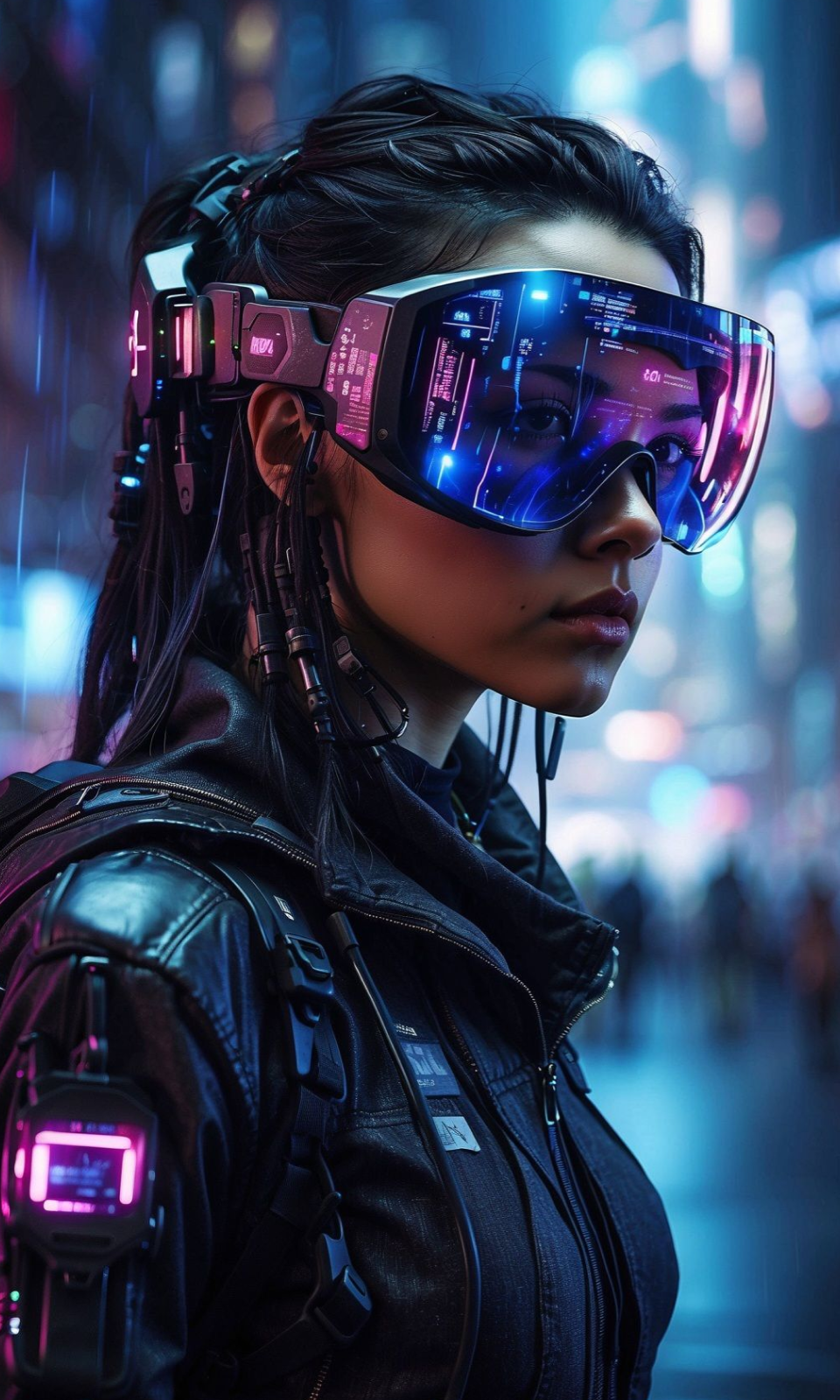
Bright glow, futuristic architecture, and high contrast can work well for electronic, synth-forward, and club-driven releases.
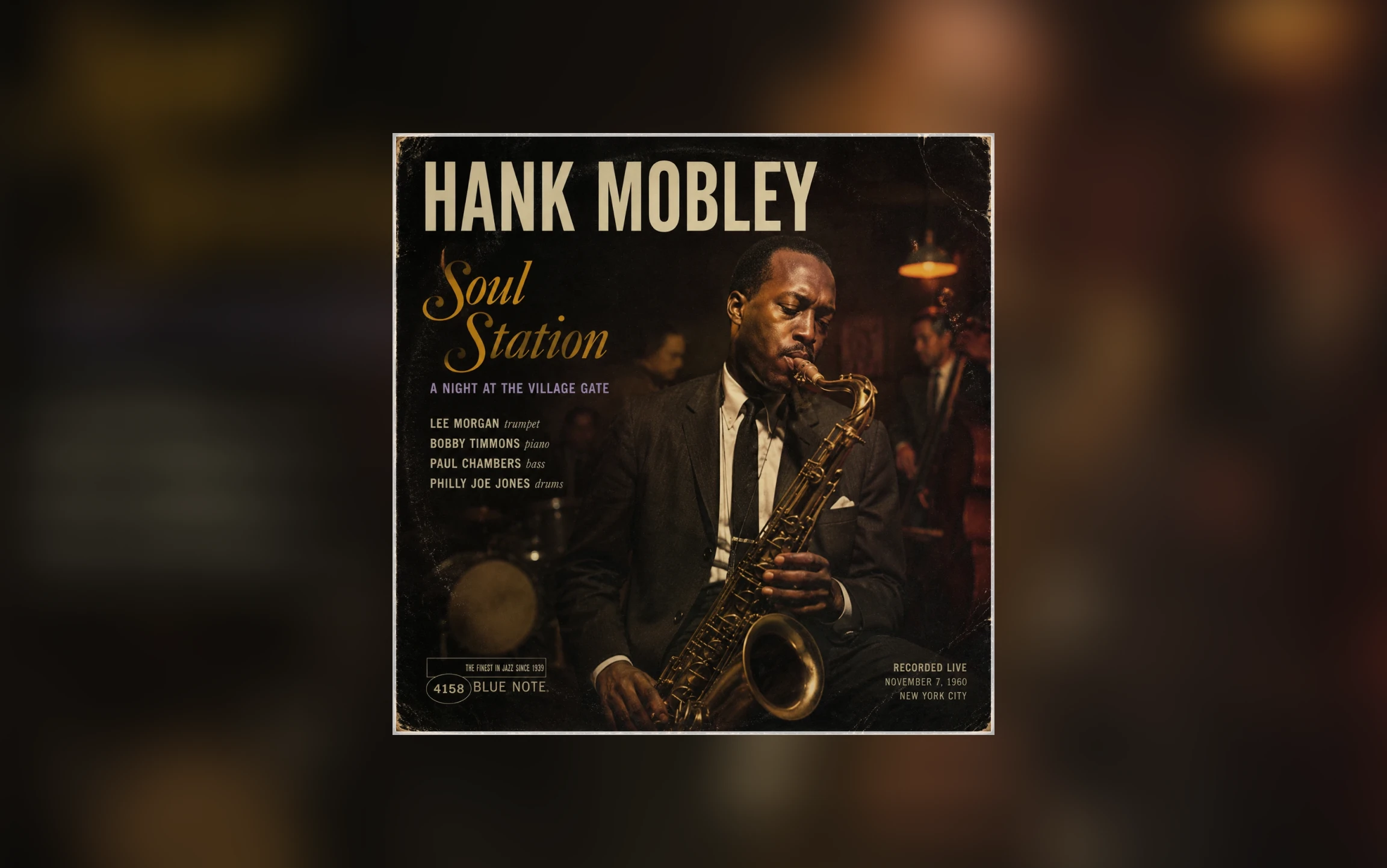
Warm stage light, live instruments, and a quieter composition can fit jazz, soul, or lounge releases that need a timeless mood.
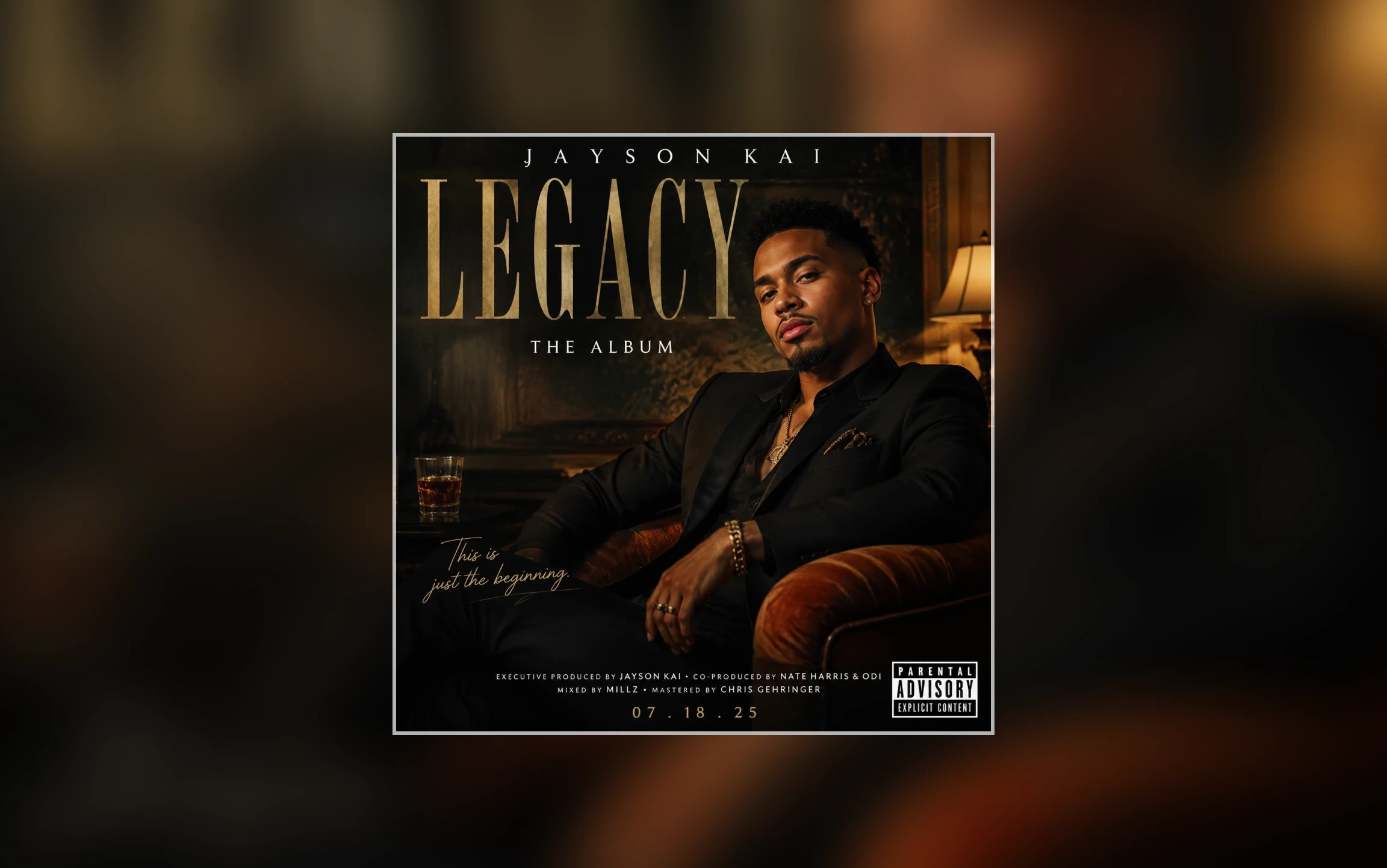
A controlled portrait, restrained palette, and clean type space work well when the artist image should carry the cover.
Review each result at full size and thumbnail size. Keep the version that communicates the release most clearly at a glance.
The focal subject and overall mood should still read when the cover appears small.
Your eye should know where to land without competing subjects or unnecessary detail.
Look for balanced spacing, useful contrast, and enough breathing room for any typography you plan to add later.
The color, texture, and energy should feel consistent with the music and the artist’s visual identity.
Create your cover
Return to the generator, enter your brief, and create a square album cover concept.
Answers about accounts, credits, downloads, revisions, and final typography.
You can explore the page and prepare your prompt without an account. You’ll be asked to sign in or create an account when you generate.
The current credit cost appears on the Generate Cover Art button before you start.
Yes. Download the generated cover, or edit your prompt or style and generate another version.
Generate the artwork first. For exact spelling and typography, leave clear space in the composition and add the artist name and release title in a design editor afterward.
More to try
Try another image tool, compare image models, or animate an image concept.
AI image tools
More image tools
Create, edit, clean up, or upscale stills.
AI models
Compare image models
Pick a better model before making more versions.
AI video tools
Make it move
Animate a still or turn it into a clip.

AI Image Generator
Start from any idea
Create a fresh image from a prompt.
Text to Image
Prompt-first creation
Turn a written idea into an image.

Image to Image
Use a reference
Restyle or revise an existing image.
Image to Prompt
Describe a reference
Turn visible image details into a reusable AI prompt.
AI Logo Generator
Brand marks
Create logo ideas from a short brief.
Product Picture Generator
Product visuals
Create polished product photos and campaign scenes.
AI image tools
More image tools
Create, edit, clean up, or upscale stills.
AI models
Compare image models
Pick a better model before making more versions.
AI video tools
Make it move
Animate a still or turn it into a clip.
AI Image Generator
Start from any idea
Create a fresh image from a prompt.