
Upload Image *
AI Movie Poster Generator
Upload a clear portrait, choose a genre, aspect ratio, and resolution, then generate cinematic movie poster artwork—no prompt needed.
Movie poster examples
How to create a movie poster from a photo
Use the controls in the generator to prepare and download your poster in four steps.
- 01
Upload a portrait
Add the photo you want to use as the main character in the poster.
- 02
Choose a genre
Select the genre that best matches the story and mood you want.
- 03
Choose the aspect ratio and resolution
Select the poster format and output resolution you want to generate.
- 04
Generate and download
Select Generate Movie Poster, then download the image when it is ready.
Movie poster ideas for different genres
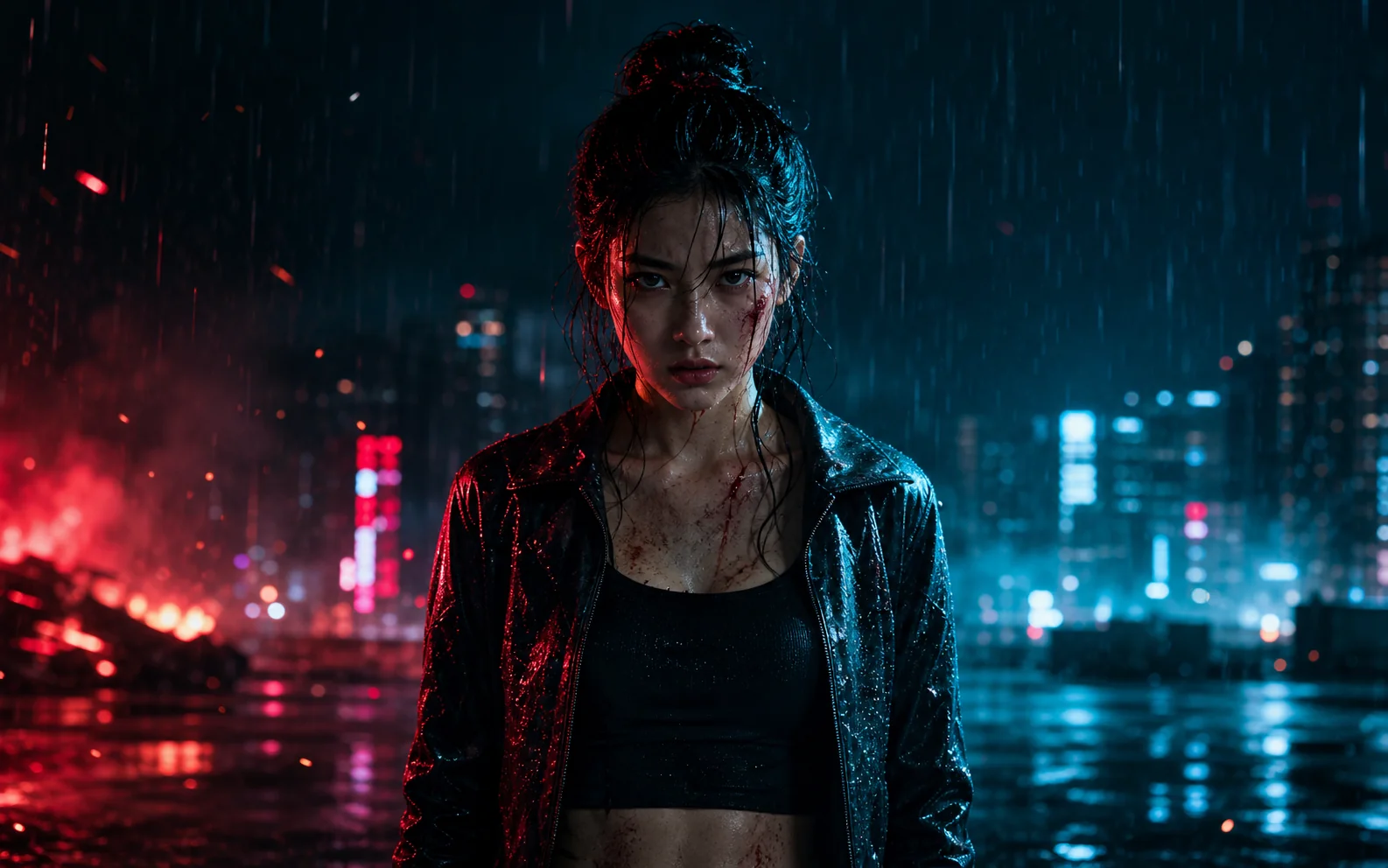
See how genre changes the setting, lighting, color, and composition around the person in your photo.
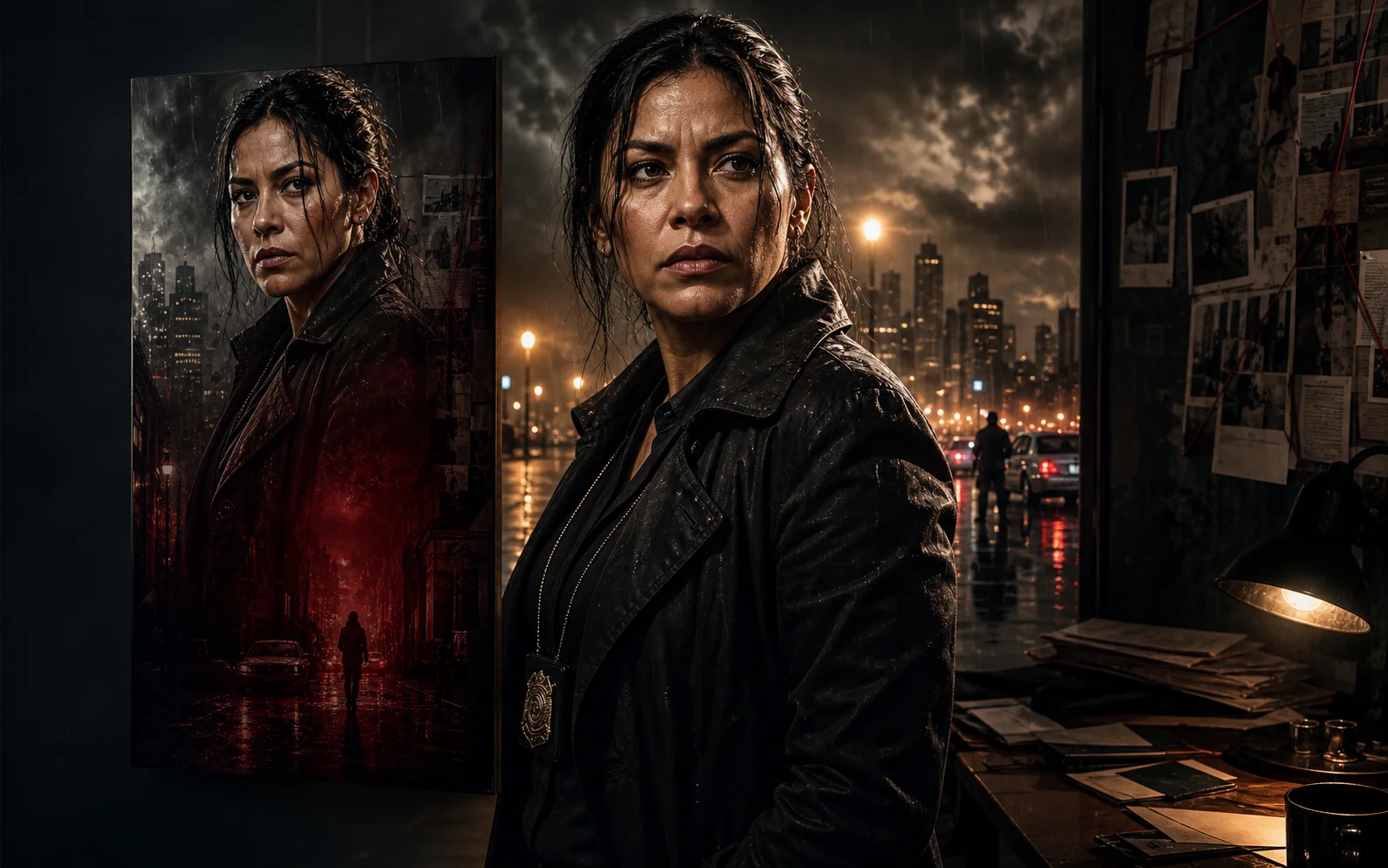
Crime-thriller poster
Rain-soaked streets, case files, and hard amber light frame the lead as a detective under pressure.
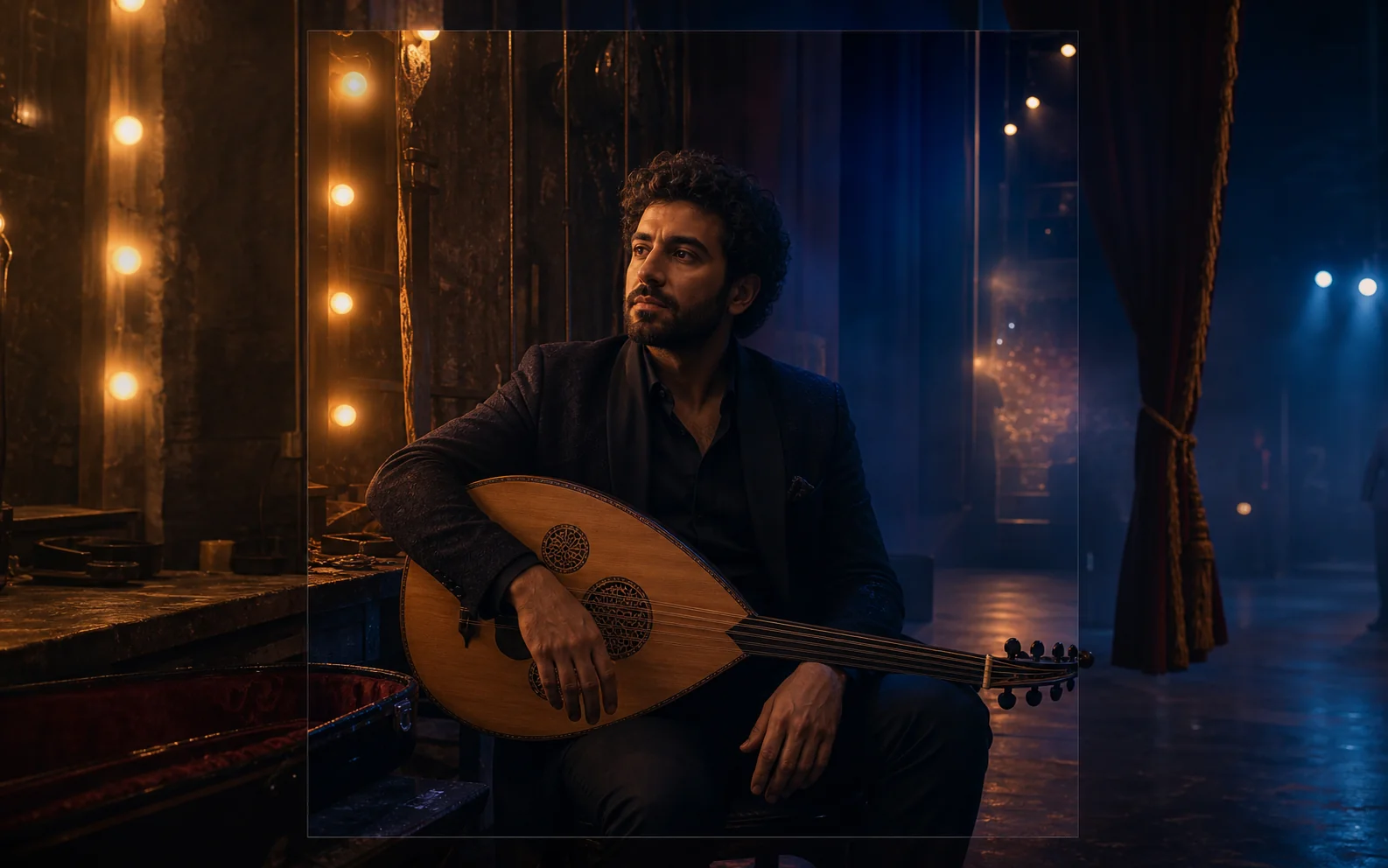
Intimate music-drama poster
A seated musician, stage curtains, and warm dressing-room lights create an intimate backstage story with the character at its center.
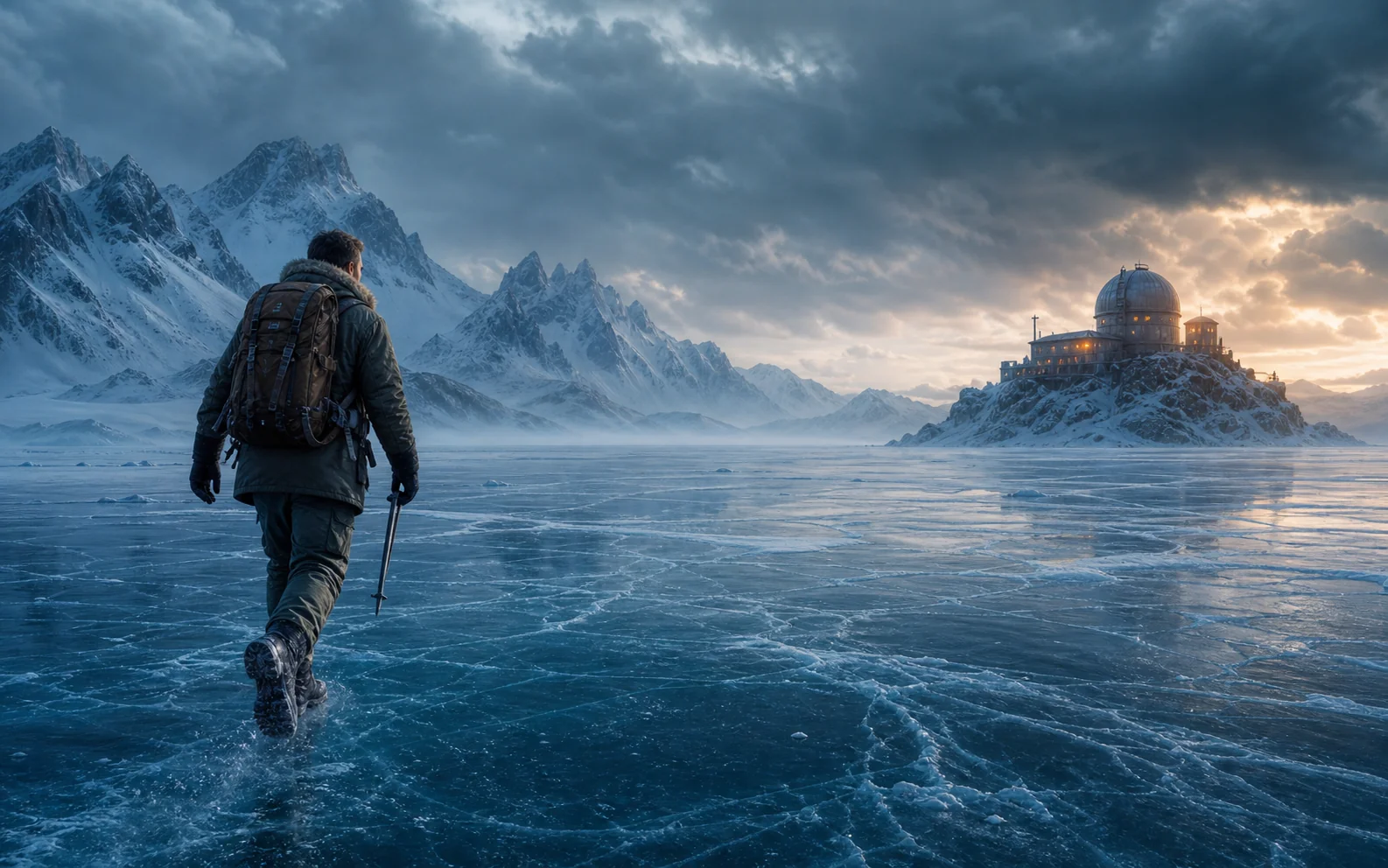
Action-adventure poster
A lone explorer, frozen landscape, and distant observatory place the character inside a larger cinematic journey.
Improve your next result
Match the problem you see with the change most likely to help.
The face changed too much
Try a larger, sharper photo where the eyes, nose, mouth, and hairline are easy to see. Tiny faces, motion blur, sunglasses, and heavy beauty filters make it harder to keep the person recognizable.
The crop feels cramped
Choose a photo with space above the head and beside the shoulders. A tight selfie leaves little room to create a wider scene.
Try another genre direction
Choose another genre and generate again to explore a different setting, mood, and visual treatment with the same photo.
Choose an aspect ratio for your format
Use 2:3 or 3:4 for a classic poster, 9:16 for a taller layout, or 1:1 for a square image.
Create your poster
Ready to turn your portrait into a movie poster?
Return to the generator to upload your photo, choose the settings, and create your poster.
AI Movie Poster Generator FAQ
Answers about group photos, exact title text, and publishing your poster.
Can I use a group photo?
The generator works best with one clearly visible person. For the most predictable result, crop the photo to one person whose face, hair, and shoulders are easy to see.
Can I add an exact movie title?
Generated text may contain mistakes, and the downloaded poster is a single image. Add exact titles, cast names, release dates, and production credits in an image editor, then check every word before publishing.
Can I use the poster commercially?
Before publishing or using a poster commercially, confirm that you have the necessary rights to the source photo, people shown, logos, and other protected material. Review the final image carefully because AI-generated outputs may not be unique, and Ezier does not guarantee originality or suitability for a particular use.
Related paths
Explore related image tools
Explore another image step, check model options, or make the output move.
AI image tools
More image tools
Create, edit, clean up, or upscale stills.
AI models
Compare image models
Pick a better model before making more versions.
AI video tools
Make it move
Animate a still or turn it into a clip.
AI Image Generator
Start from any idea
Create a fresh image from a prompt.
Text to Image
Prompt-first creation
Turn a written idea into an image.

Image to Image
Use a reference
Restyle or revise an existing image.
Image to Prompt
Describe a reference
Turn visible image details into a reusable AI prompt.
AI Logo Generator
Brand marks
Create logo ideas from a short brief.
Product Picture Generator
Product visuals
Create polished product photos and campaign scenes.
AI image tools
More image tools
Create, edit, clean up, or upscale stills.
AI models
Compare image models
Pick a better model before making more versions.
AI video tools
Make it move
Animate a still or turn it into a clip.
AI Image Generator
Start from any idea
Create a fresh image from a prompt.